
You might have rendering issues with WSLg apps, especially in case you are using an Intel graphics card, like this:
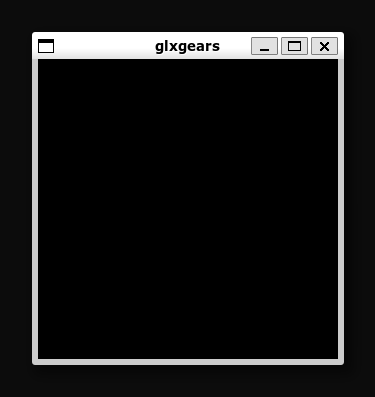
In that case, just configure an environment variable named LIBGL_ALWAYS_SOFTWARE and set it to 1. To persist it, add this line inside /etc/profile:
export LIBGL_ALWAYS_SOFTWARE=1
Just restart (using wsl --shutdown for example).
Note: This will disable GPU acceleration for those GUI apps, which I don’t really care about in this case!
Tested on Windows 11 Pro host with Ubuntu 24.04 WSL guest.
That’s it, Enjoy!
Sources:


 Just Some Techie Notes!