
Here we will send a batch of files inside a directory to the default printer in Ubuntu.
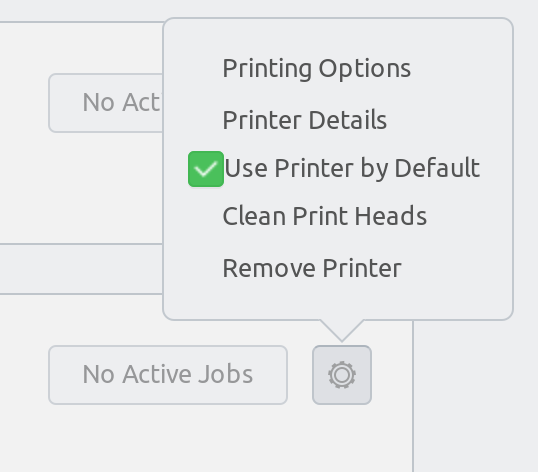
First of all, you’d better define a default printer in your system by going to Printers and then select Use Printer by Default:
Next, just invoke the lpr command, e.g.
lpr *.pdf
That’s it, Enjoy!
Source: https://makandracards.com/makandra/24202-linux-how-to-print-pdf-files-from-the-command-line


 Just Some Techie Notes!